


 Lifetime - Access
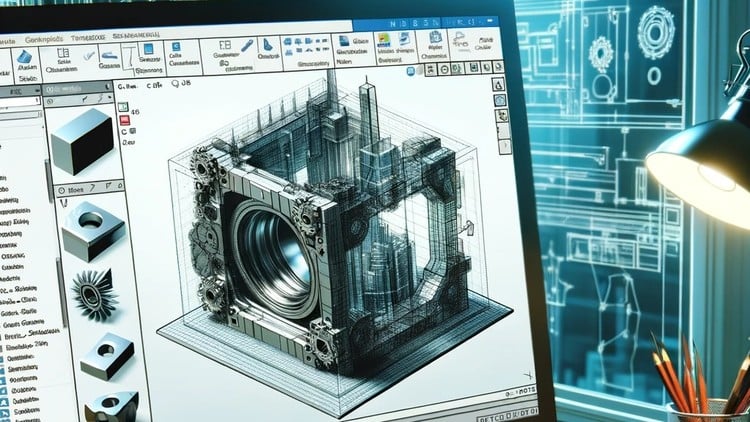

SOLIDWORKS Crash Course
Learn how to create professional 3D models, assemble parts, and animate motion with SOLIDWORKS, from beginner basics to advanced design skills.

Created By Ashraf Said AlMadhoun


Get this course with 2000+ of our top related courses with personal plan.
Try Personal Plan for freeWhat you will learn
- Create 2D sketches and develop them into 3D models.
- Draw and dimension geometry precisely for solid modeling.
- Use sketch planes and editing tools effectively in SOLIDWORKS.
- Build complex models of parts and assemblies from individual components.
- Create manufacturing-ready drawings with detailed views and dimensions.
- Automate design changes using equations and configurations.
- Produce animations and export videos demonstrating part motion.
- Export PDFs of drawings and different views for sharing.
About this course
SOLIDWORKS is the leading 3D CAD software used worldwide for product development and design. This course guides you from zero experience to confidently creating manufacturing-ready parts and assemblies.
Designed for beginners and those moving from 2D CAD, you’ll learn how to create 2D sketches, convert them into 3D models, build assemblies, and generate detailed drawings ready for production.
The course includes practical examples, real-life case studies, and step-by-step tutorials on sketching, dimensioning, and designing solid geometry.
By the end, you’ll be able to take any object, create its 2D sketch, and turn it into a professional 3D model ready for manufacturing.
Who this course is for
- Beginners with no prior CAD or modeling experience.
- Users transitioning from 2D CAD to 3D design software.
- Engineers, inventors, and designers wanting to learn SOLIDWORKS fundamentals.
- Anyone passionate about 3D design and simulation.
Requirements
- Basic computer skills.
- Access to SOLIDWORKS software (trial or educational versions).
About the instructor
The Educational Engineering Team brings over 13 years of hands-on experience teaching and working with microcontrollers, programming, and engineering projects.
Led by Ashraf, an experienced mechatronics engineer and educator, the team has taught over 250,000 students worldwide through online courses and tutorials.
Their practical, step-by-step teaching style makes complex topics easy to understand and apply immediately.
Educational Engineering covers topics from circuit design and programming to 3D design and automation, providing a broad knowledge base for engineers and hobbyists alike.
Course content

 1 Introduction
2 SolidWorks Components - Parts Asseblies Drawings
4 Let's Begin! Starting SolidWorks
5 SolidWork Explorer Tab Explained
6 SolidWork Toolbars Explained
7 SolidWork Exercise - Continue
8 SolidWork Exercise
9 Handfull Shortcuts
10 3D Views Tab
12 Second Exercise
13 Assemblies
14 Motion Study
15 Drawing
1 Introduction
2 SolidWorks Components - Parts Asseblies Drawings
4 Let's Begin! Starting SolidWorks
5 SolidWork Explorer Tab Explained
6 SolidWork Toolbars Explained
7 SolidWork Exercise - Continue
8 SolidWork Exercise
9 Handfull Shortcuts
10 3D Views Tab
12 Second Exercise
13 Assemblies
14 Motion Study
15 Drawing
Similar courses
Explore More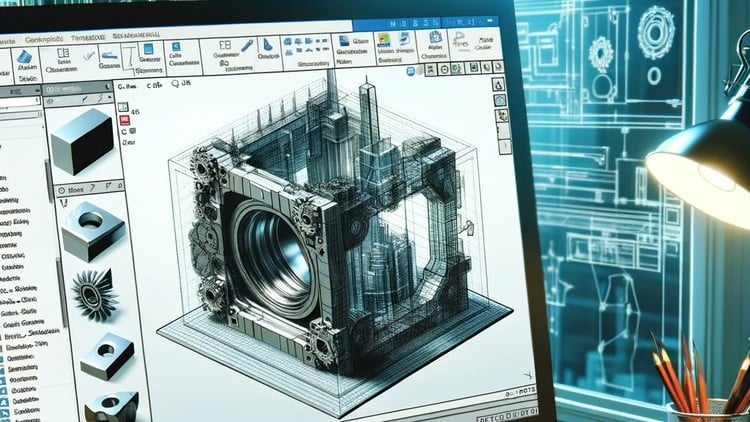

Instructor



Ashraf Said AlMadhoun is a passionate educator and entrepreneur dedicated to inspiring individuals through online learning. Since 2007, Ashraf has been teaching thousands of students via his online education platform, Educational Engineering School, helping them acquire new skills and unlock their potential to become better versions of themselves.
What Do You Want to Learn?
Ashraf offers a variety of courses tailored to meet diverse needs, including:
Learning how to monetize skills as an Embedded System Developer.
Building a 6-figure business from scratch.
Gaining expertise in coding, circuit design, and soldering electronic components.
Creating impactful and innovative projects.
Starting an embedded systems career to develop great projects, simulate designs, program, and create PCB boards.
Launching a freelance career in embedded systems.
With a 30-day money-back guarantee and ongoing course updates, Ashraf ensures his content remains relevant and impactful.
About Ashraf
Ashraf holds a Bachelor’s degree in Mechatronics Engineering from Azhar University, where he honed his skills in embedded systems using Arduino, PIC Microcontrollers, and related technologies. After graduating, he began his teaching career as a Teacher Assistant at his alma mater and later at a local college. These experiences ignited his passion for sharing knowledge and inspired him to establish his online education brand, Educational Engineering School, which has empowered over 450,000 students globally.
Interests and Passions
When he’s not teaching, Ashraf enjoys playing football, biking, traveling, and spending quality time with friends and family. A dedicated football enthusiast, he also loves exploring new cultures and cuisines.
Mission
Ashraf is driven by the desire to help others achieve their dreams. He aims to empower students to become skilled Embedded System creators, monetize their expertise, and build fulfilling careers.
Join one of Ashraf’s courses today and start transforming your skills into opportunities!
More Courses by Ashraf Said AlMadhoun



Recieve the best deals..






